Best Digital Lettering Tools for Beginners and Pros
Digital lettering has transformed the world of typography, illustration, and graphic design. What once required ink pens, brushes, and stacks of sketch paper can now be created on tablets, computers, and specialized software platforms. From social media creators to professional typographers, digital lettering tools allow artists to design expressive letters, custom fonts, logos, posters, and brand identities with incredible precision. Whether you are a beginner exploring lettering for the first time or a seasoned designer refining your craft, the right digital tools can dramatically influence your workflow and creative results. Modern lettering software and hardware combine intuitive drawing experiences with powerful editing capabilities, making it easier than ever to produce professional typography. This guide explores the best digital lettering tools for beginners and pros, including drawing apps, font design software, stylus technology, and essential digital platforms that help transform simple ideas into stunning typographic artwork.
A: Popular tools include Adobe Illustrator, Procreate, Affinity Designer, and Photoshop.
A: Raster apps feel more natural for drawing, while vector tools are ideal for scalable designs.
A: A tablet with a pressure stylus greatly improves brush lettering control.
A: Vector formats like SVG or AI keep lettering crisp at any size.
A: Practice letter anatomy, stroke consistency, and spacing regularly.
A: Only if the license allows commercial usage.
A: Inconsistent spacing and baseline alignment often cause imbalance.
A: Yes, font creation tools allow scanned lettering to become digital typefaces.
A: Start with vector shapes and refine curves using anchor points.
A: Absolutely. Many designers begin with pencil sketches before digitizing.
Why Digital Lettering Has Become So Popular
The rise of digital lettering is closely connected to the growth of creative industries such as branding, social media design, merchandise art, and digital illustration. Businesses constantly seek unique typography for logos, advertisements, and packaging, while artists use digital lettering to produce eye catching content for platforms like Instagram, Pinterest, and YouTube.
Digital tools offer advantages that traditional lettering methods cannot easily match. Artists can instantly undo mistakes, experiment with unlimited color palettes, resize artwork without losing quality, and store entire design libraries in one device.
Another important advantage is flexibility. A digital lettering artist can begin sketching on a tablet, refine shapes on a desktop computer, and export designs for print, animation, or web graphics. This fluid workflow allows creators to move seamlessly between concept development and final production.
For beginners, digital platforms also reduce the barrier to entry. Instead of purchasing expensive art supplies, a new lettering artist can start learning with a single app and a stylus.
Procreate: A Favorite Among Lettering Artists
Procreate is widely considered one of the best digital lettering apps available today, especially for artists using the Apple iPad. Its intuitive interface and powerful brush engine make it a favorite among both beginners and professional designers.
The software allows artists to create custom brushes that mimic traditional lettering tools such as brush pens, calligraphy nibs, and chalk textures. This makes it possible to replicate the feel of hand lettering while maintaining the precision of digital editing.
Procreate also offers advanced layering capabilities. Artists can sketch rough lettering ideas on one layer, refine shapes on another, and add color or effects on additional layers without disturbing the original drawing. This layered approach encourages experimentation and makes revisions simple.
Time lapse recording is another feature that has made Procreate popular among lettering creators. The app automatically records the drawing process, allowing artists to share their creative workflow on social media or educational platforms.
Because of its combination of simplicity and power, Procreate is often the first digital lettering tool recommended to beginners who want to learn modern lettering techniques.
Adobe Illustrator: The Industry Standard for Vector Lettering
While Procreate excels at digital drawing, Adobe Illustrator remains the industry standard for vector based typography and lettering design.
Vector graphics are essential for professional lettering because they allow designs to be scaled infinitely without losing quality. A logo created in Illustrator can appear on a business card, billboard, or website while maintaining perfect sharpness.
Illustrator offers powerful tools for shaping and refining letterforms. The Pen Tool allows designers to create precise curves and geometric shapes, while the Pathfinder and Shape Builder tools enable complex letter combinations and custom typographic structures.
For professionals designing brand identities or custom fonts, Illustrator provides unmatched control over spacing, alignment, and proportions. Designers can also convert hand drawn lettering into vector artwork, allowing sketch based concepts to become fully scalable digital graphics.
Although Illustrator has a steeper learning curve than many beginner apps, it remains one of the most valuable tools for serious lettering artists.
Adobe Fresco: Blending Illustration and Lettering
Adobe Fresco is a newer addition to the Adobe creative ecosystem, designed specifically for digital drawing and painting. It is particularly appealing for lettering artists who enjoy combining typography with illustration.
One of Fresco’s most impressive features is its live brush technology. These brushes simulate real world media such as watercolor, oil paint, and ink in a way that responds naturally to pressure and movement.
For lettering artists, this means brush strokes can flow organically across the screen, closely resembling traditional brush lettering techniques.
Adobe Fresco also integrates seamlessly with other Adobe software, including Illustrator and Photoshop. This allows artists to sketch lettering ideas in Fresco and then refine them in more advanced design applications.
The app is especially popular among artists who create illustrated quotes, decorative typography, or lettering based artwork that combines imagery with expressive text.
Affinity Designer: A Powerful Alternative to Illustrator
Affinity Designer has become a popular alternative to Adobe Illustrator, offering professional vector design capabilities without a subscription based pricing model.
The software combines vector and raster tools within a single environment, allowing lettering artists to move between sketching and precise vector editing without switching programs.
Affinity Designer also performs exceptionally well on tablets and desktop computers, making it versatile for artists who work across multiple devices.
Many designers appreciate its responsive performance and streamlined interface, which can feel less overwhelming than traditional professional software. Despite its simplicity, Affinity Designer still includes advanced tools for node editing, curve shaping, and typography adjustments.
For creators who want professional lettering capabilities without committing to monthly subscriptions, Affinity Designer provides an impressive solution.
Glyphs and FontLab: Tools for Professional Font Creation
While most digital lettering focuses on creating individual typographic artworks, some artists go further by designing complete fonts. Font creation requires specialized software that can manage character sets, spacing systems, and typographic consistency.
Glyphs and FontLab are two of the most respected tools for professional type designers.
Glyphs is particularly popular among independent type foundries and experienced lettering artists who want to transform custom lettering into functional fonts. The software allows designers to build complete alphabets, define kerning pairs, and export fonts compatible with operating systems and design software.
FontLab offers similar capabilities but includes additional tools for advanced type engineering. Designers can create complex scripts, variable fonts, and multilingual typefaces that support global writing systems.
Although font design software is not usually necessary for beginners, it becomes invaluable for professionals who want to monetize their lettering work by selling custom fonts.
Clip Studio Paint: A Versatile Creative Platform
Clip Studio Paint is widely used by illustrators, comic artists, and concept designers, but it also serves as an excellent platform for digital lettering.
The software includes a large library of customizable brushes that work well for expressive typography. Artists can create calligraphy inspired strokes, textured marker styles, or stylized graffiti lettering effects.
Clip Studio Paint also offers advanced stabilization tools that help smooth brush strokes. This is particularly helpful for beginners who are still developing steady hand control when drawing letters.
Another advantage is its strong community ecosystem. Thousands of user generated brushes, textures, and lettering tools are available through Clip Studio’s asset marketplace, allowing artists to expand their creative toolkit.
Essential Hardware for Digital Lettering
Software alone does not define the digital lettering experience. The hardware used to create artwork plays an equally important role.
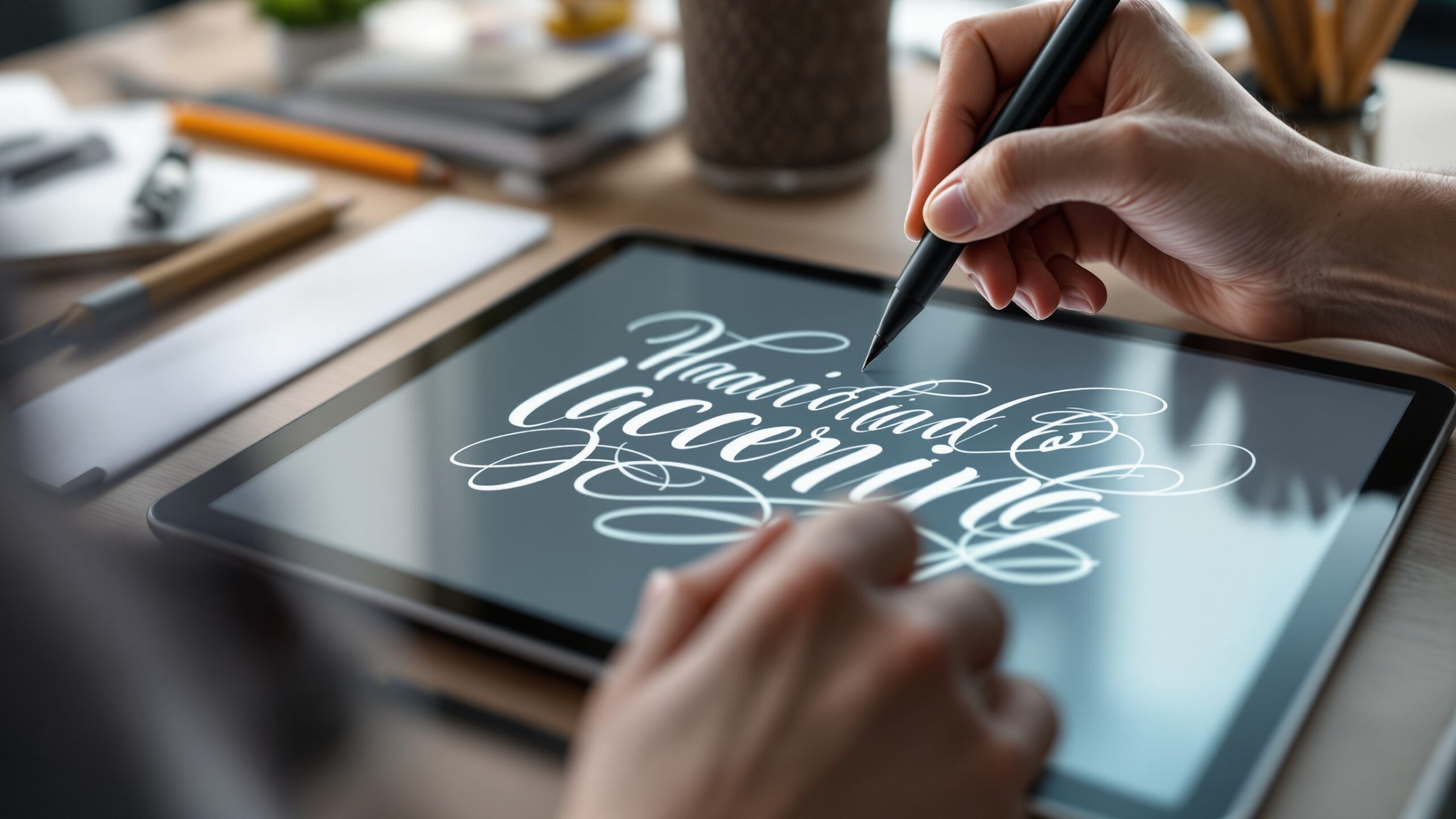
The Apple iPad combined with the Apple Pencil has become one of the most popular setups for digital lettering artists. Its pressure sensitivity, tilt recognition, and smooth screen response create a drawing experience that feels remarkably natural.
Wacom tablets remain a favorite among professional designers working on desktop computers. Devices such as the Wacom Cintiq provide a high resolution display that allows artists to draw directly on the screen with precise stylus control.
For beginners who want an affordable entry point, tablets such as the Huion Kamvas or XP Pen Artist series provide strong performance at a lower price point.
Choosing the right hardware often depends on personal workflow preferences. Some artists prefer the portability of tablets, while others favor the larger screens and processing power of desktop systems.
Key Features to Look for in Digital Lettering Tools
Selecting the best digital lettering tool involves understanding the features that matter most for typography creation.
Brush customization is one of the most important capabilities. High quality lettering apps allow artists to adjust pressure curves, stroke textures, and tapering effects to create natural looking letterforms.
Layer management is another essential feature. Being able to separate sketches, outlines, shading, and color layers provides flexibility during the design process.
Vector editing tools are also critical for professional typography. Vector based letterforms allow precise control over curves, spacing, and alignment, which is particularly important for logo design and branding.
Finally, export options should support multiple file formats. Lettering artwork may need to be exported for web graphics, print posters, animation, or merchandise design.
How Beginners Can Start Digital Lettering
Starting digital lettering does not require advanced equipment or expensive software. Beginners can begin with a simple tablet and an accessible drawing app such as Procreate or Clip Studio Paint.
The first step is learning basic letter structure. Understanding shapes, proportions, and spacing helps artists build readable and balanced typography.
Practicing simple styles such as brush lettering or script fonts can help beginners develop confidence before experimenting with more complex lettering styles.
Many artists begin by tracing existing fonts or practicing alphabet drills to develop muscle memory. Over time, these exercises lead to greater control and the ability to design original letterforms.
Consistency is more important than speed when learning digital lettering. Daily practice sessions, even short ones, gradually build skill and artistic intuition.
Advanced Techniques for Professional Lettering Artists
As lettering artists gain experience, they often explore advanced techniques that elevate their work from simple typography to professional design.
One such technique is vector refinement. Converting hand drawn lettering into vector shapes allows designers to polish curves, balance spacing, and create precise geometric relationships between letters.
Another technique involves layering effects. Shadows, gradients, and lighting effects can transform simple lettering into dimensional artwork suitable for branding or advertising.
Professionals also experiment with mixed media approaches. Combining digital lettering with photography, illustration, or 3D rendering can produce visually striking compositions.
Animation is another growing area within digital lettering. Motion graphics tools allow artists to animate letterforms for video titles, social media content, and advertising campaigns.
The Future of Digital Lettering Technology
Digital lettering continues to evolve alongside advances in creative technology. Artificial intelligence tools are beginning to assist designers with typography suggestions, automated spacing adjustments, and style generation.
Augmented reality and virtual reality may also influence the future of lettering design. Artists could soon create three dimensional typography in immersive environments, sculpting letters as if they were physical objects.
At the same time, traditional lettering techniques remain deeply influential. Many digital artists still begin with pencil sketches or brush lettering before refining their work digitally.
This blend of traditional craftsmanship and modern technology ensures that digital lettering will continue to grow as a vibrant creative discipline.
Choosing the Right Tool for Your Lettering Journey
The best digital lettering tool ultimately depends on the artist’s goals, experience level, and creative style.
Beginners often benefit from intuitive apps like Procreate that encourage experimentation and quick learning. Intermediate designers may transition to tools such as Affinity Designer or Clip Studio Paint for greater control over their artwork.
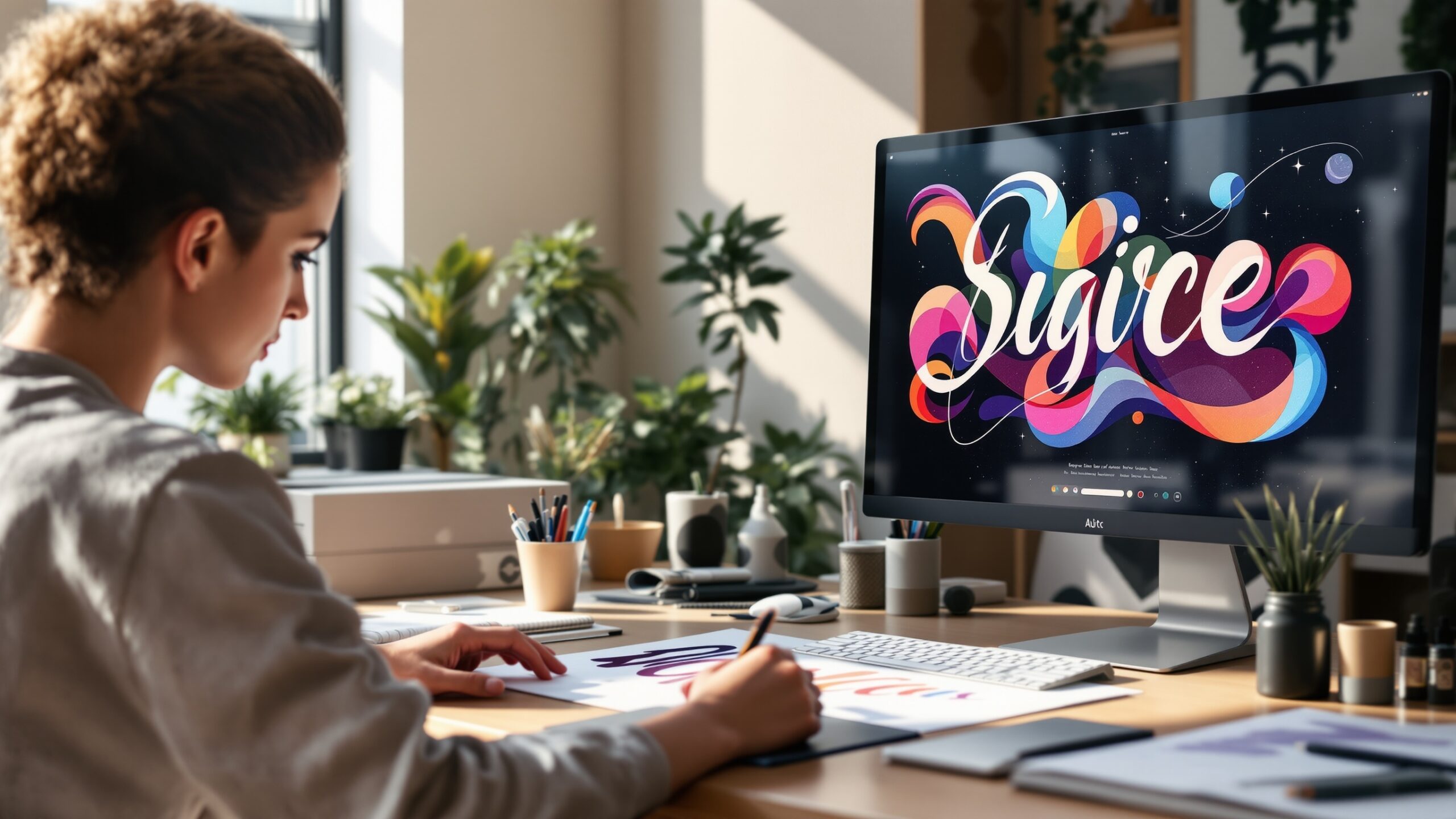
Professional lettering artists typically combine multiple tools, using drawing apps for sketching, vector software for refinement, and font design programs for creating complete typefaces.
Regardless of the software or hardware used, the most important factor remains creativity and practice. Digital lettering tools simply provide the environment where ideas can evolve into expressive typographic art.
As technology continues to advance, these tools will become even more powerful and accessible, opening new possibilities for designers, illustrators, and typography enthusiasts around the world.