The Rise of Digital Lettering on Tablets
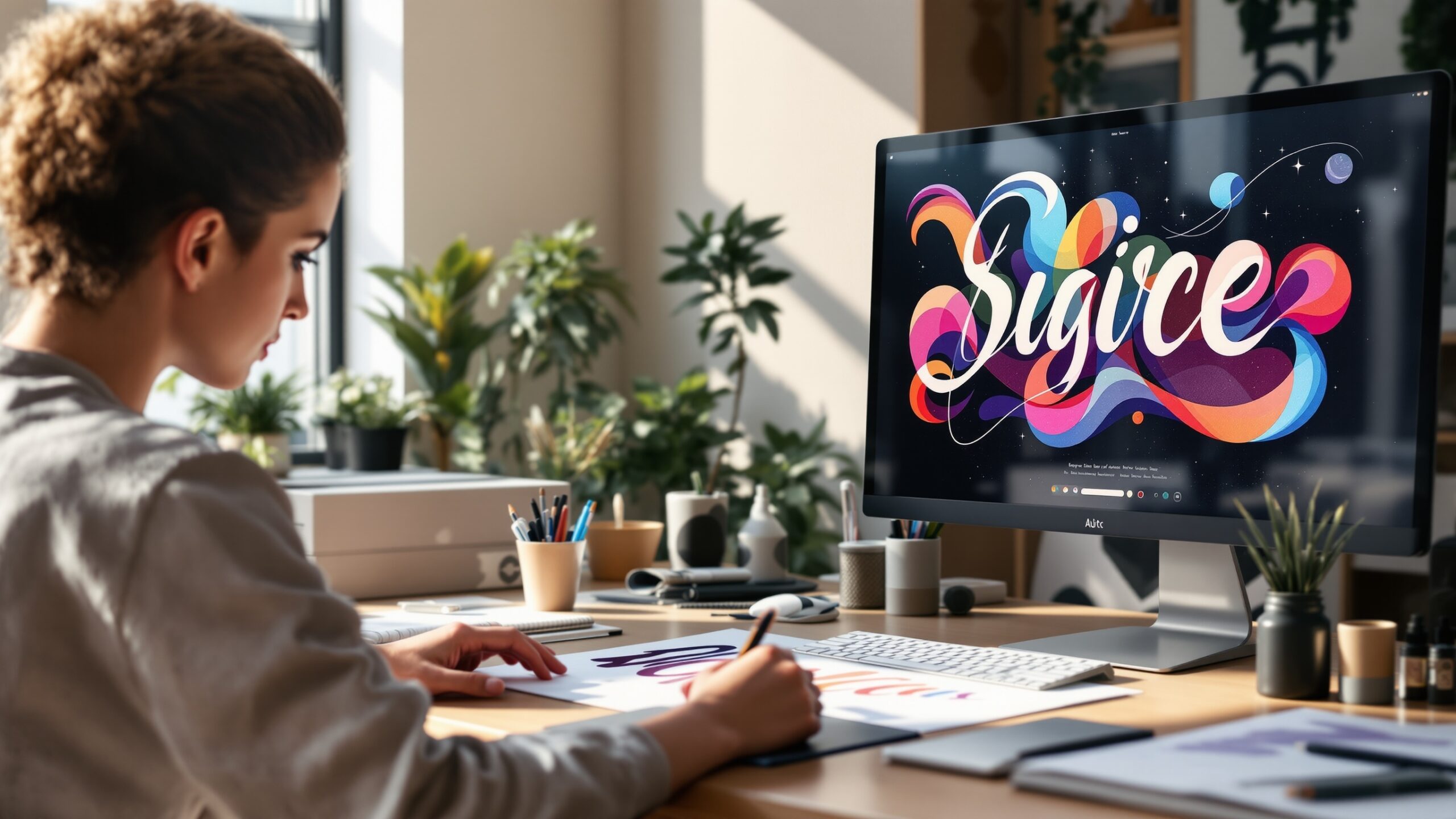
Digital lettering has transformed dramatically over the past decade, and the iPad has become one of the most powerful tools for modern letter artists. What once required specialized equipment, expensive drawing tablets, or physical brushes and inks can now be accomplished with a sleek tablet and a stylus. For designers, illustrators, hobbyists, and professional typographers alike, the iPad offers an intuitive canvas where creativity flows naturally. The appeal of iPad lettering lies in its combination of traditional artistry and modern efficiency. Artists can mimic brush strokes, ink flow, chalk textures, and calligraphy nibs while benefiting from digital conveniences such as undo tools, layering, color adjustments, and infinite experimentation. The iPad also allows creators to produce artwork that is instantly ready for digital use, whether it is destined for social media, branding projects, print designs, or product packaging. In the world of typography and visual communication, lettering holds a special place. Unlike fonts that rely on pre designed characters, lettering is handcrafted art. Every letter is intentionally shaped, spaced, and styled to create a cohesive visual statement. With the right techniques and tools, the iPad allows artists to create lettering pieces that rival traditional ink and brush work while maintaining the speed and flexibility of digital creation.
A: Procreate is widely used because of its powerful brush engine and intuitive interface.
A: It is strongly recommended because pressure sensitivity creates natural brush strokes.
A: Yes. Many logos, posters, and merchandise graphics begin as iPad lettering sketches.
A: Many artists start around 3000 to 4000 pixels wide for high resolution flexibility.
A: Increase stabilization settings or use streamline features in lettering apps.
A: Tracing can help beginners understand letter structure and spacing.
A: Daily practice drills can dramatically improve lettering skills within weeks.
A: Yes. Letterforms can be exported and converted into full fonts using font software.
A: Rushing strokes instead of drawing slowly and intentionally.
A: It offers helpful tools like undo and layers, but strong fundamentals are still essential.
Why the iPad Is Perfect for Lettering Artists
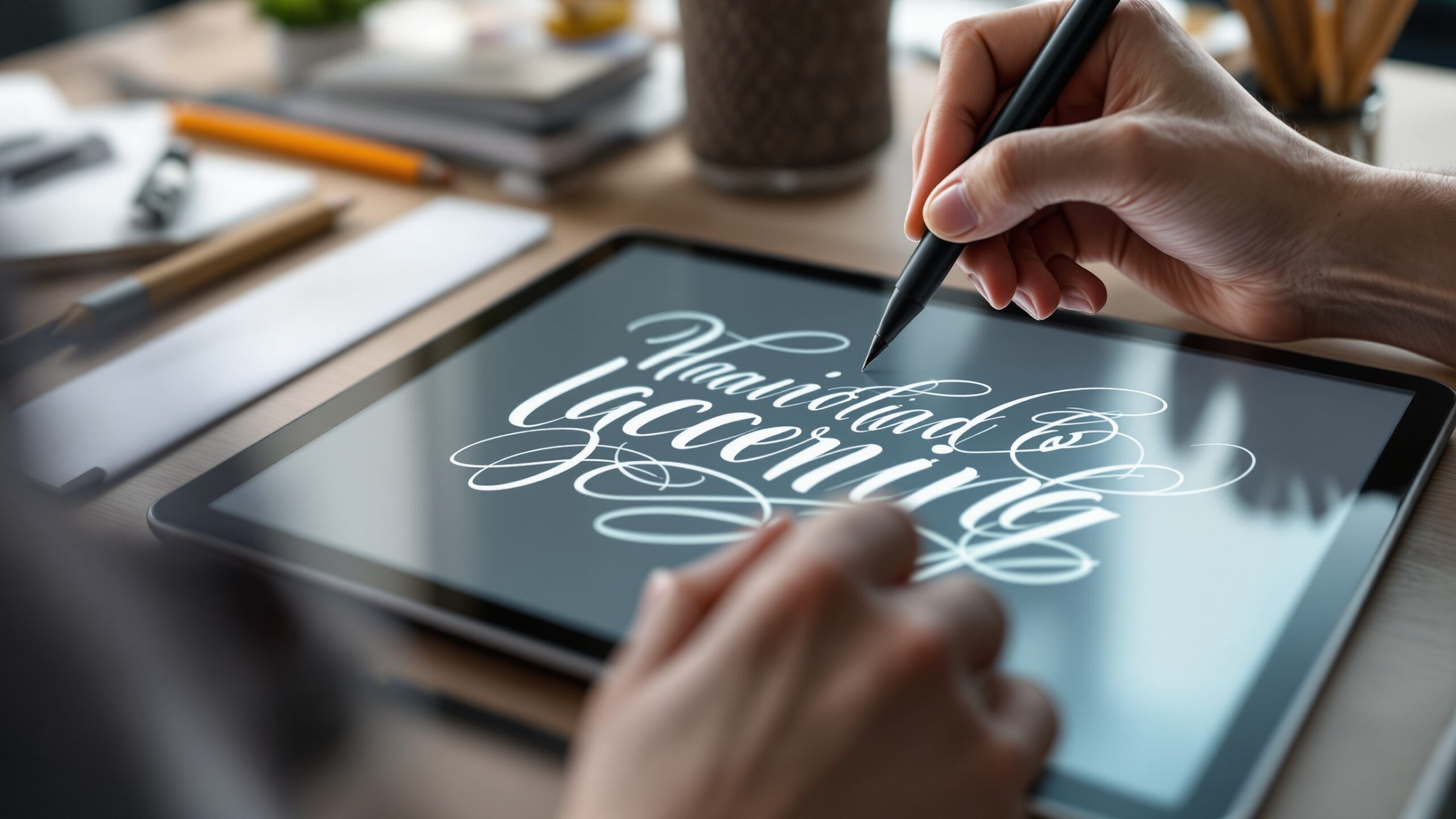
The iPad has become a favorite platform for lettering because it offers the perfect balance between portability, precision, and power. The Apple Pencil provides pressure sensitivity and tilt recognition, which means strokes can behave like real brushes or pens. A light touch produces thin lines while increased pressure creates thick expressive strokes.
This responsiveness allows artists to recreate the feel of traditional tools such as brush pens, calligraphy nibs, and paint brushes. The experience is tactile and natural, making it easy for beginners to learn while still offering professionals the control they require.
Another advantage of the iPad is its portability. Artists are no longer tied to desks or studios. Lettering can be practiced anywhere, from coffee shops to parks, turning idle moments into creative opportunities.
The iPad also integrates seamlessly with creative ecosystems. Finished artwork can be exported directly to design software, social media platforms, or print workflows. This makes it ideal for freelancers, graphic designers, and content creators who need efficient production pipelines.
Perhaps most importantly, the iPad encourages experimentation. Artists can test color palettes, try different lettering styles, and explore new compositions without worrying about wasting paper or ink.
Choosing the Right Apps for Digital Lettering
The software you use on an iPad can greatly influence your lettering workflow. Several powerful apps have emerged as industry favorites for digital artists.
Procreate is widely considered the gold standard for digital lettering and illustration. Its intuitive interface, advanced brush engine, and powerful layering tools allow artists to create highly detailed lettering compositions. Procreate also supports custom brushes that replicate everything from watercolor textures to traditional calligraphy pens.
Adobe Fresco is another excellent option, especially for artists who are already integrated into the Adobe Creative Cloud ecosystem. Fresco combines vector and raster drawing capabilities, making it ideal for artists who want scalable lettering designs.
Affinity Designer offers powerful vector tools that are useful for logo lettering and professional typography work. Vector based lettering ensures that designs remain crisp and scalable for large format prints or branding applications.
While each app has unique strengths, they all share a common advantage. They allow artists to draw directly on the screen, which creates a natural creative experience similar to drawing on paper.
Understanding the Foundations of Lettering
Before diving into digital techniques, it is important to understand the fundamental principles of lettering. Beautiful lettering is not just about decorative strokes. It is about structure, spacing, rhythm, and visual harmony.
The first foundational concept is stroke contrast. Many lettering styles use thick downstrokes and thin upstrokes. This contrast creates elegance and flow within the letterforms. Learning how pressure affects strokes is essential when working with digital brushes.
Another critical concept is spacing. Letters must feel balanced and comfortable within a word. Too much spacing makes words feel disconnected, while tight spacing can make them difficult to read.
Consistency is also important. Even though lettering is handcrafted, shapes and proportions must feel intentional. Similar letters should share visual relationships in height, width, and style.
Understanding these fundamentals helps artists create lettering that looks polished rather than random or inconsistent.
Setting Up Your Canvas and Workspace
Creating a professional digital lettering piece begins with setting up the canvas correctly. Canvas size, resolution, and color mode all influence the final output.
For most digital lettering projects, a large canvas with a resolution of 300 DPI is recommended. This ensures that artwork remains sharp and suitable for both digital and print applications.
Many artists start by establishing guidelines. These invisible structures help maintain consistent letter height, spacing, and alignment. Typical guidelines include the baseline, x height, ascender line, and descender line.
Using layers for guidelines is extremely helpful because they can be hidden once the artwork is complete. This keeps the composition organized while maintaining flexibility.
Organizing your workspace with labeled layers also improves workflow. Sketch layers, ink layers, shadow layers, and texture layers can all be separated for easier editing.
A clean digital workspace allows artists to focus on creativity rather than technical distractions.
Sketching the Lettering Composition
Every great lettering piece begins with a sketch. The sketch stage is where ideas are explored and refined before committing to final strokes.
Artists often start by writing the phrase in simple block letters to establish spacing and layout. This rough layout ensures that the composition fits the canvas properly.
Next, the artist begins shaping each letter to reflect the desired style. This could involve adding curves, loops, flourishes, or stylistic details.
Sketching digitally offers significant advantages. Artists can resize words, reposition letters, and erase elements without starting over. This flexibility encourages experimentation and helps refine the overall composition.
During the sketch stage, the focus should remain on structure rather than perfection. Clean lines and details can be added later during the inking stage.
Mastering Brush Techniques
Digital brushes play a major role in lettering quality. Understanding how brushes respond to pressure and movement allows artists to produce more expressive strokes.
Most lettering brushes are designed to simulate brush pens or calligraphy nibs. These brushes respond dynamically to pressure. Light strokes produce delicate lines, while heavier pressure produces bold strokes.
Artists should practice basic stroke drills to build control. Vertical strokes, curved strokes, and looping strokes are fundamental movements in lettering.
Consistency in stroke thickness helps maintain a polished look. Even subtle variations in pressure can dramatically change the character of a letter.
Over time, artists develop muscle memory that allows them to produce smooth strokes confidently.
Refining and Inking the Final Letterforms
Once the sketch is complete, the next step is inking the final lettering. This process involves tracing the refined letter shapes using a clean brush.
Inking requires patience and precision. Artists often zoom into specific areas to ensure that curves remain smooth and consistent.
Working slowly during this stage helps maintain quality. Rushing can lead to uneven lines and distracting imperfections.
Digital tools provide helpful features during inking. Undo functions allow artists to retry strokes instantly. Stabilization settings can smooth shaky lines, making it easier to produce professional results.
Many artists also adjust stroke tapering and brush settings to achieve the exact style they want.
The inking stage transforms rough sketches into polished artwork.
Adding Depth with Color and Effects
Color plays a major role in transforming simple lettering into eye catching digital art. The iPad allows artists to experiment with countless color combinations, gradients, and textures.
One common technique is layering colors. Artists may start with a base color and then add highlights or shadows to create dimension.
Drop shadows and outlines can help lettering stand out against backgrounds. These elements create separation and visual impact.
Texture brushes can also add realism to digital lettering. Effects that mimic chalk, watercolor, or ink splatter introduce character and personality.
When used thoughtfully, these enhancements make lettering designs feel vibrant and dynamic.
Creating Balanced Layouts and Compositions
A successful lettering piece is not just about beautiful letters. The composition as a whole must feel balanced and visually appealing.
Artists often combine lettering with decorative elements such as banners, shapes, or illustrations. These elements help frame the text and guide the viewer’s eye.
Hierarchy is another important design principle. Key words should stand out through size, color, or style variations.
Negative space also plays a crucial role. Allowing breathing room around lettering prevents the design from feeling cluttered.
Thoughtful composition transforms lettering from simple words into a complete visual artwork.
Exporting and Using Your Lettering Artwork
Once the lettering piece is complete, the final step is exporting it for use. The iPad makes this process seamless.
Artwork can be exported as high resolution images, transparent PNG files, or layered project files. Each format serves different purposes depending on how the design will be used.
Designers often use lettering for logos, merchandise, posters, social media graphics, and digital products. Because the artwork is created digitally, it can be easily resized and adapted for different platforms.
Some artists also convert lettering into vector format for scalability. This allows the design to be printed on large surfaces such as signs or banners without losing quality.
The flexibility of digital files makes iPad lettering especially valuable for commercial projects.
Practicing and Developing Your Unique Style
Creating stunning lettering is a skill that develops through consistent practice. While tools and apps are important, artistic growth comes from experimentation and repetition.
Studying different lettering styles can help expand creative vocabulary. Artists may explore script lettering, serif lettering, brush lettering, or decorative display styles.
Over time, influences blend together to form a unique artistic voice. This personal style becomes a signature that distinguishes an artist’s work from others.
Regular practice sessions help improve stroke control, composition skills, and creative confidence.
The most successful lettering artists often dedicate time each day to drawing letters, exploring ideas, and refining techniques.
The Future of Digital Lettering
Digital lettering continues to evolve alongside advances in creative technology. Tablets, styluses, and design software are becoming more powerful and intuitive each year.
The iPad has already transformed the lettering landscape by making professional tools accessible to millions of artists. As software continues to improve, artists will gain even more control over brushes, textures, and 3D effects.
Artificial intelligence tools are also beginning to assist with creative workflows. While the artistry of handcrafted lettering will always remain essential, AI may help artists explore new compositions and refine their designs more efficiently.
Despite technological changes, the heart of lettering remains the same. It is an art form rooted in expression, creativity, and visual storytelling.
Bringing Words to Life Through Digital Lettering
Creating stunning digital lettering on an iPad is both an artistic journey and a technical craft. With the right tools, techniques, and practice, artists can transform simple words into powerful visual designs.
The iPad provides an incredibly versatile creative platform where traditional calligraphy techniques meet modern digital innovation. From sketching and inking to coloring and exporting, the entire lettering process can unfold within a single device. For beginners, the iPad offers an approachable entry point into the world of lettering. For experienced artists, it opens new possibilities for efficiency, experimentation, and professional production.
Ultimately, the magic of lettering lies in its ability to communicate emotion, personality, and meaning through the shapes of letters. With creativity and dedication, the iPad becomes more than just a tool. It becomes a digital studio where ideas take shape and words come to life in stunning visual form.